Quarry
A desktop database viewer for PostgreSQL, MySQL and SQLite. Browse schemas, scroll millions of rows without waiting, and write SQL with autocompletion beside them — connections stay on your machine and passwords in the OS keychain. Download the latest release for your platform.
v0.1.7 · released August 27, 2026 · Release notes
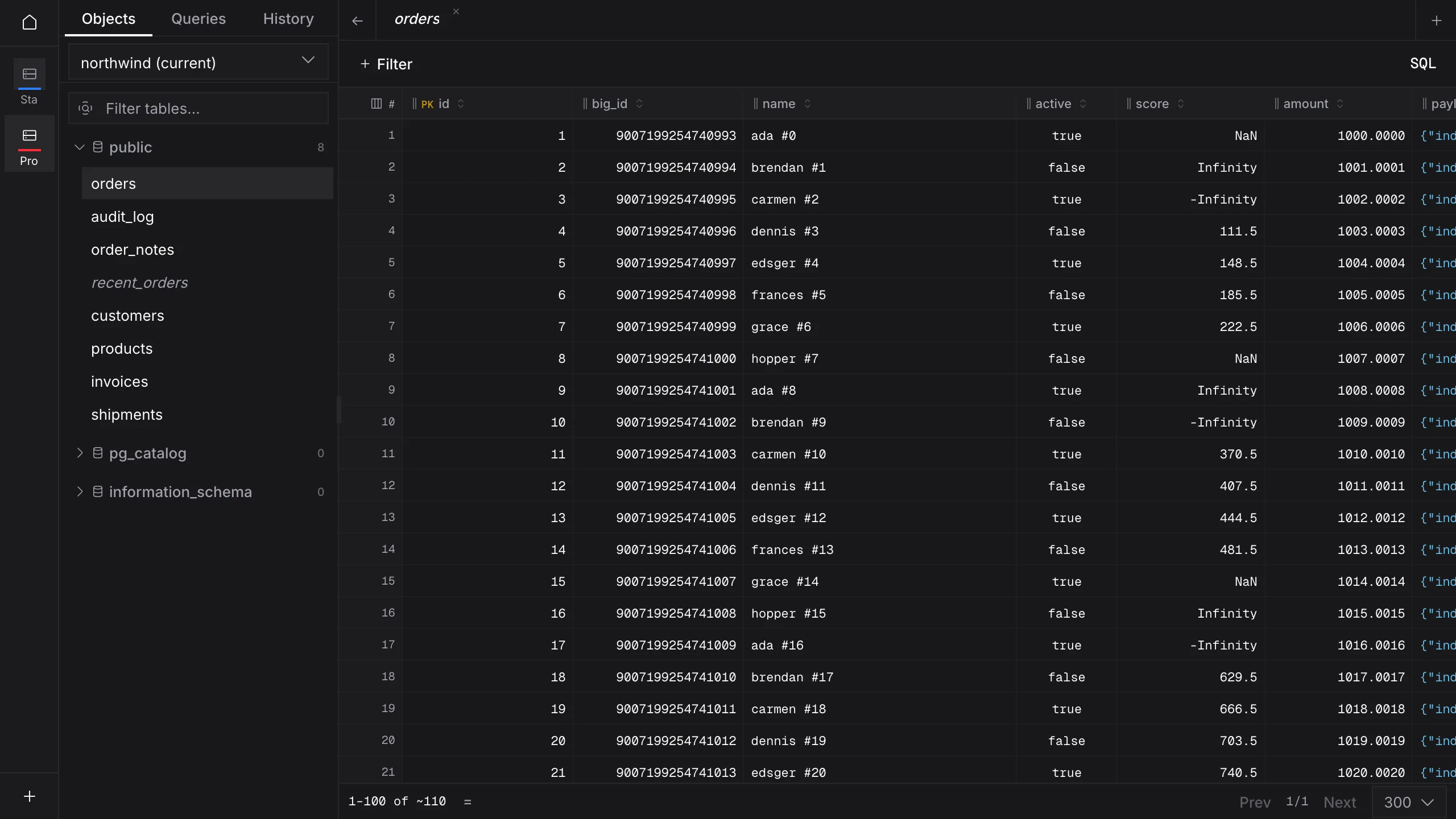
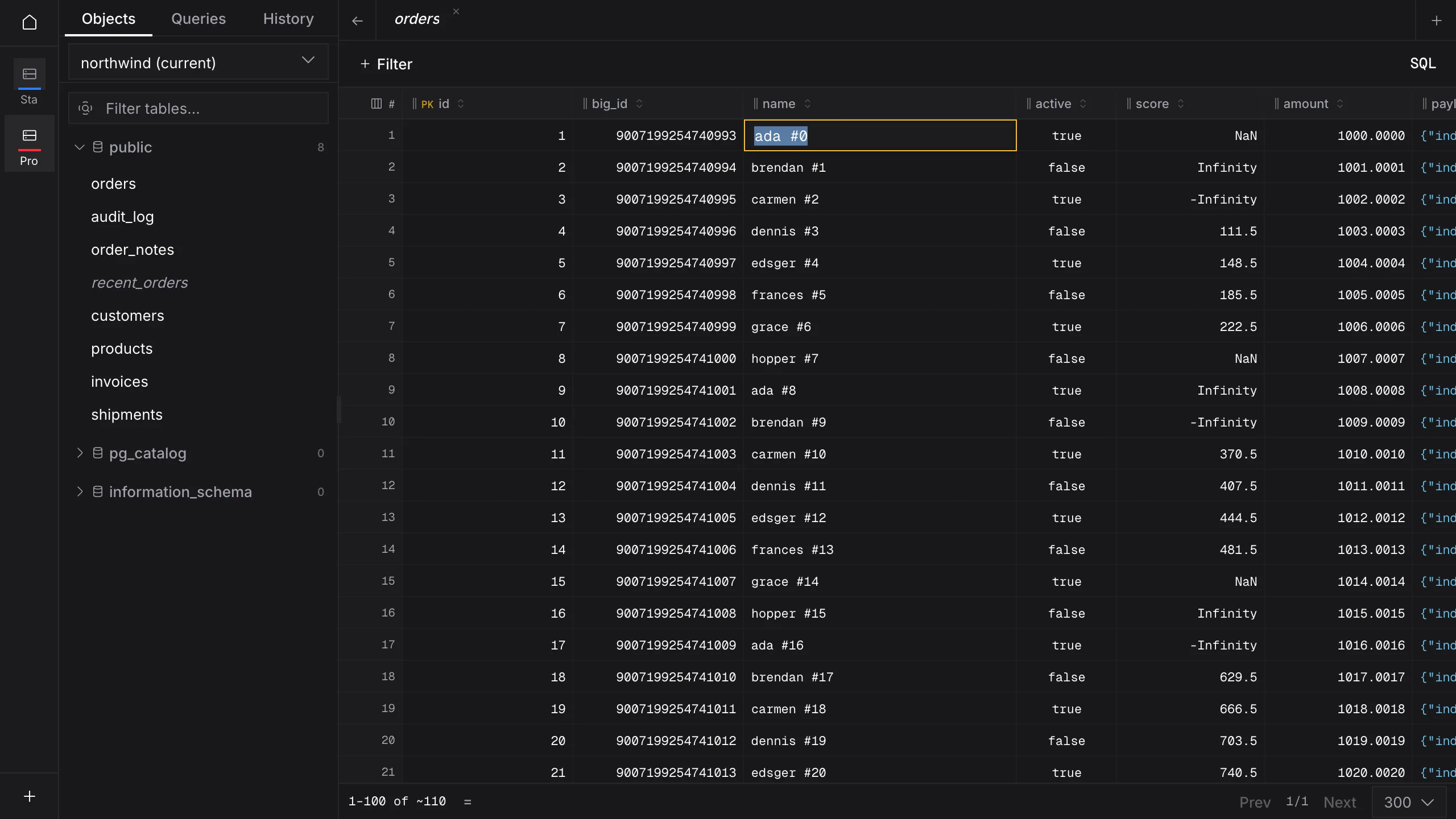
Your tables, as a sheet
The objects tree on the left, a filled grid on the right — every column typed, so a uuid, a timestamptz and a jsonb cell look like what they are.
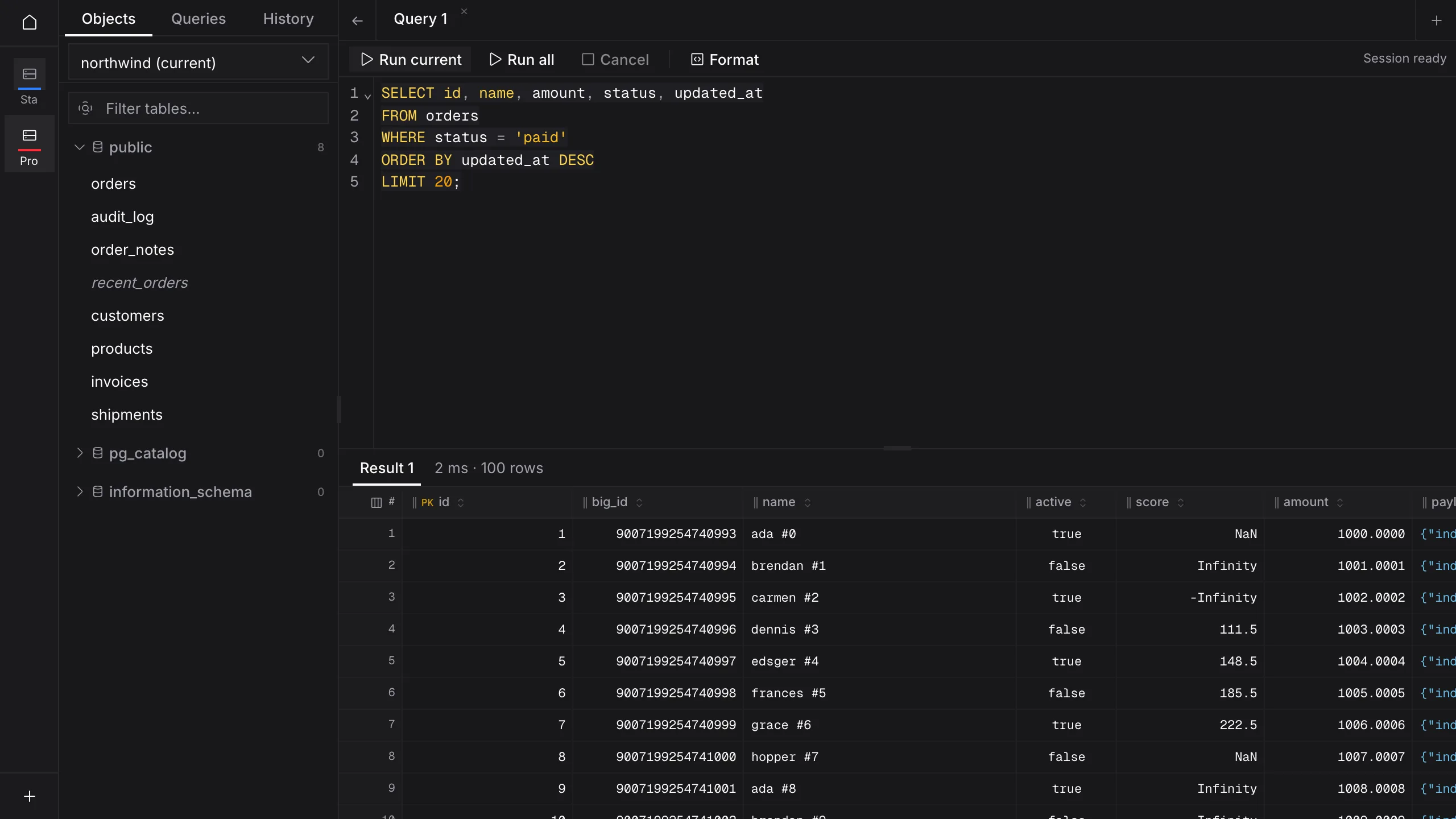
Write SQL, see the rows
A query tab with CodeMirror, then Run — the result lands in the same grid you browse with, not a separate export.
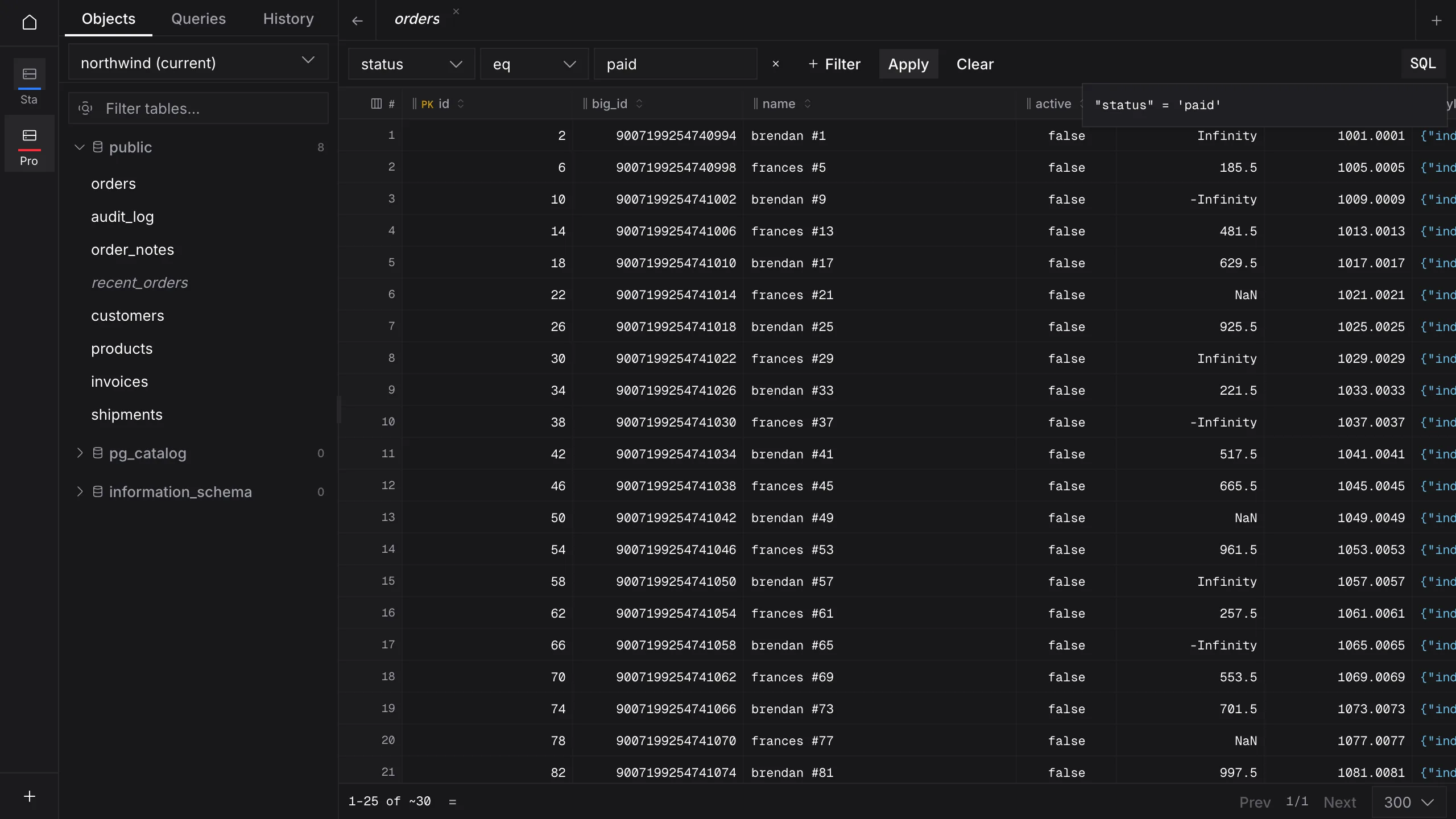
Filter without writing SQL
Add a condition on the bar, Apply, then open the SQL preview to see the predicate the grid is actually using.
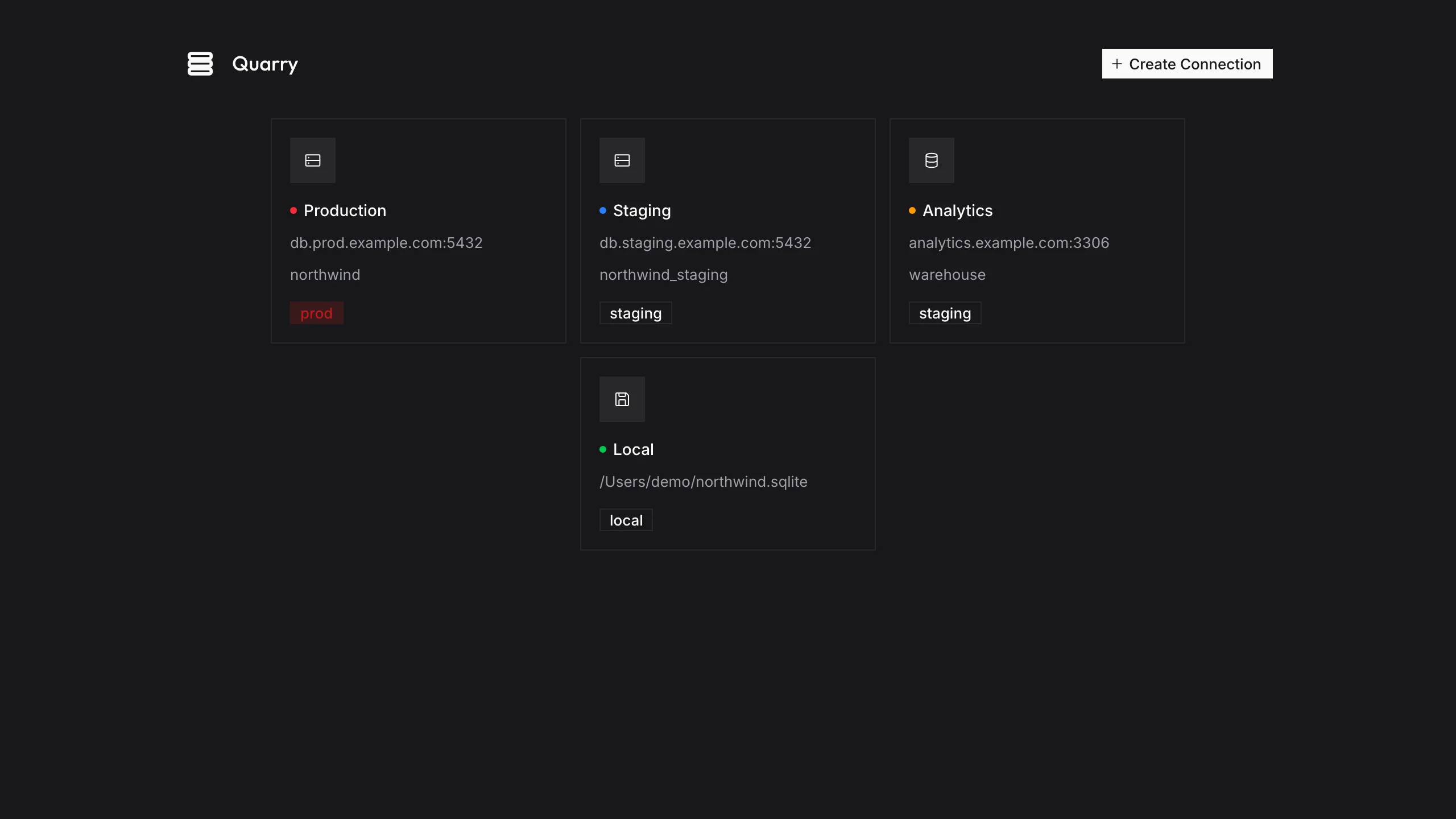
Postgres, MySQL and SQLite, side by side
Four saved connections, colour-coded by environment — production, staging and a local file — so you always know which one you are about to open.
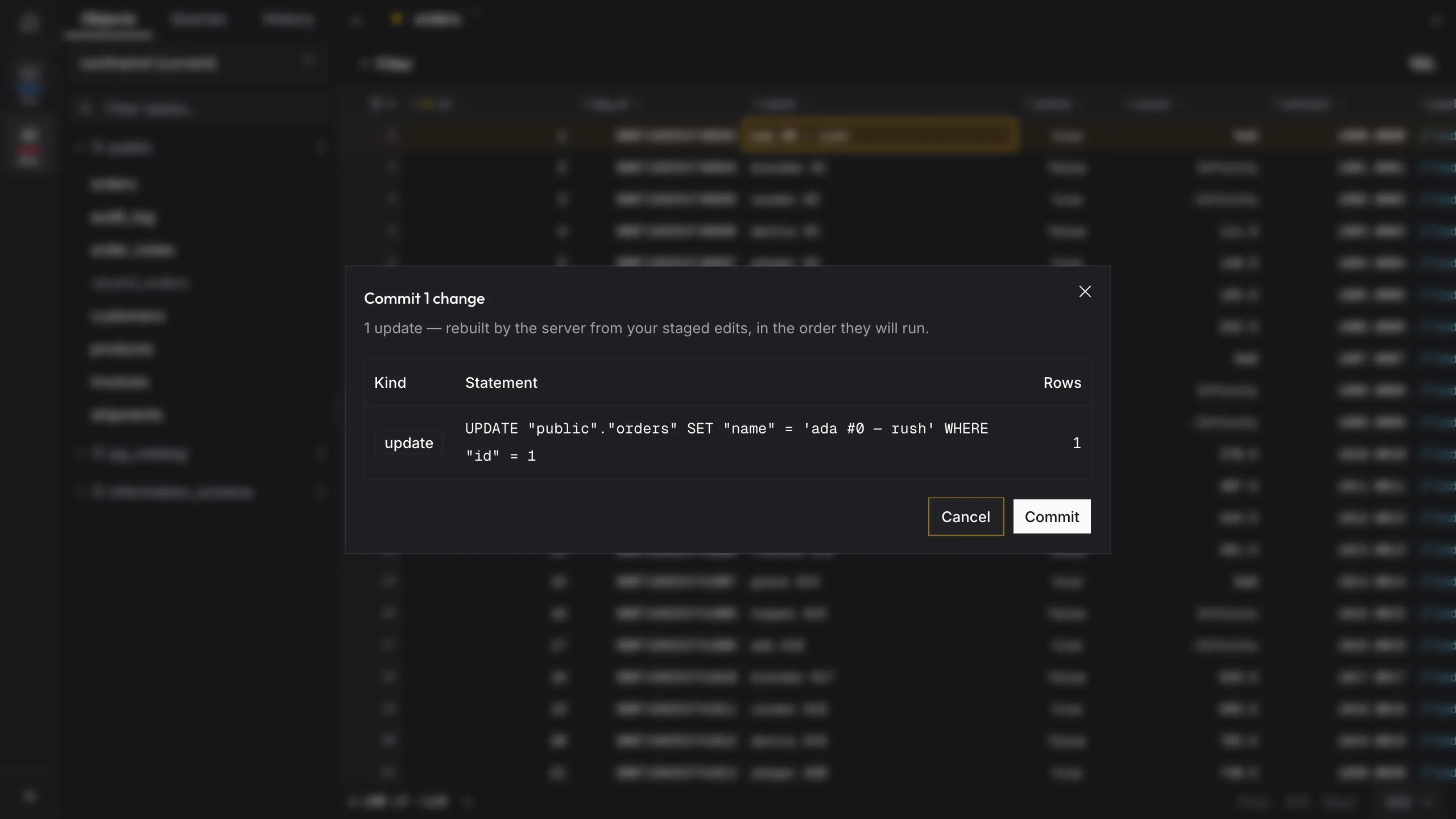
See the SQL before it runs
Edit a cell, then Preview — the dialog lists the statements the server rebuilt from your staged edits, in the order they will run.
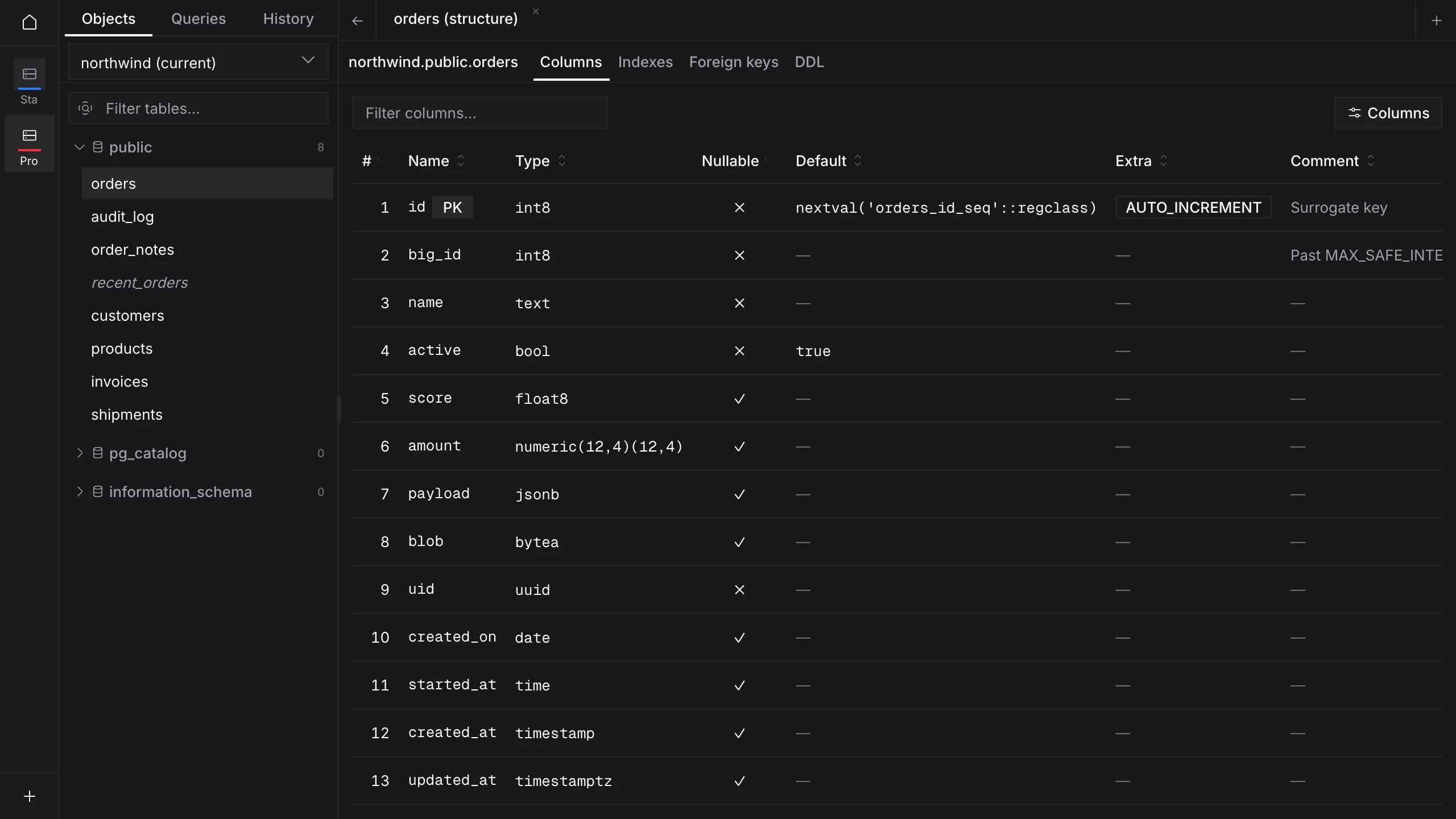
Columns, indexes, keys and DDL
Open a table's structure tab to read every column's type, nullability and default — plus indexes, foreign keys and the CREATE statement.
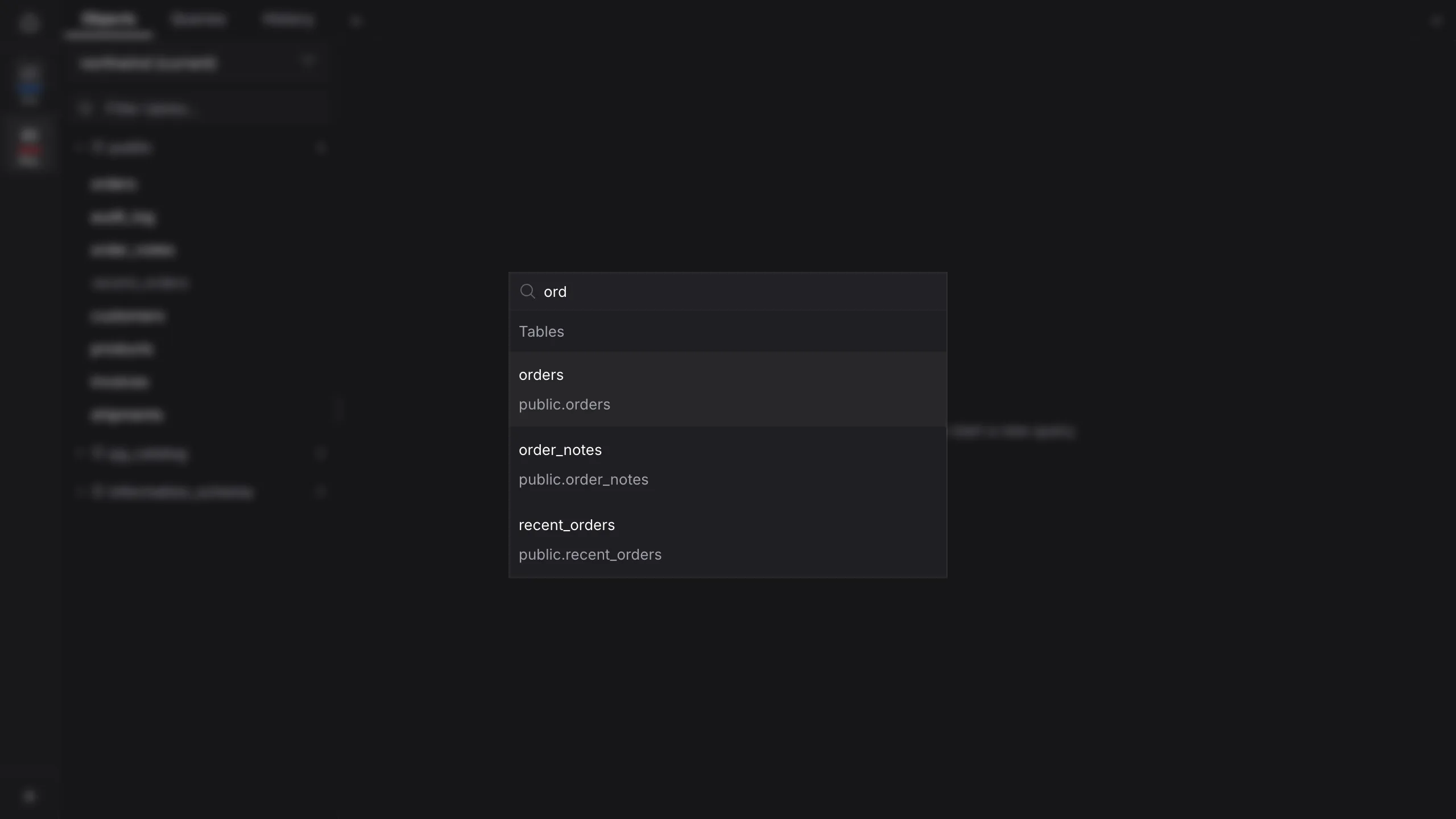
Open any table from the keyboard
Cmd+P searches the schema. Type a few letters and jump straight to the table — no scrolling the tree.
Edit a cell in place
Double-click and type. The value stays staged on the grid until you commit, so a slip is not a write.
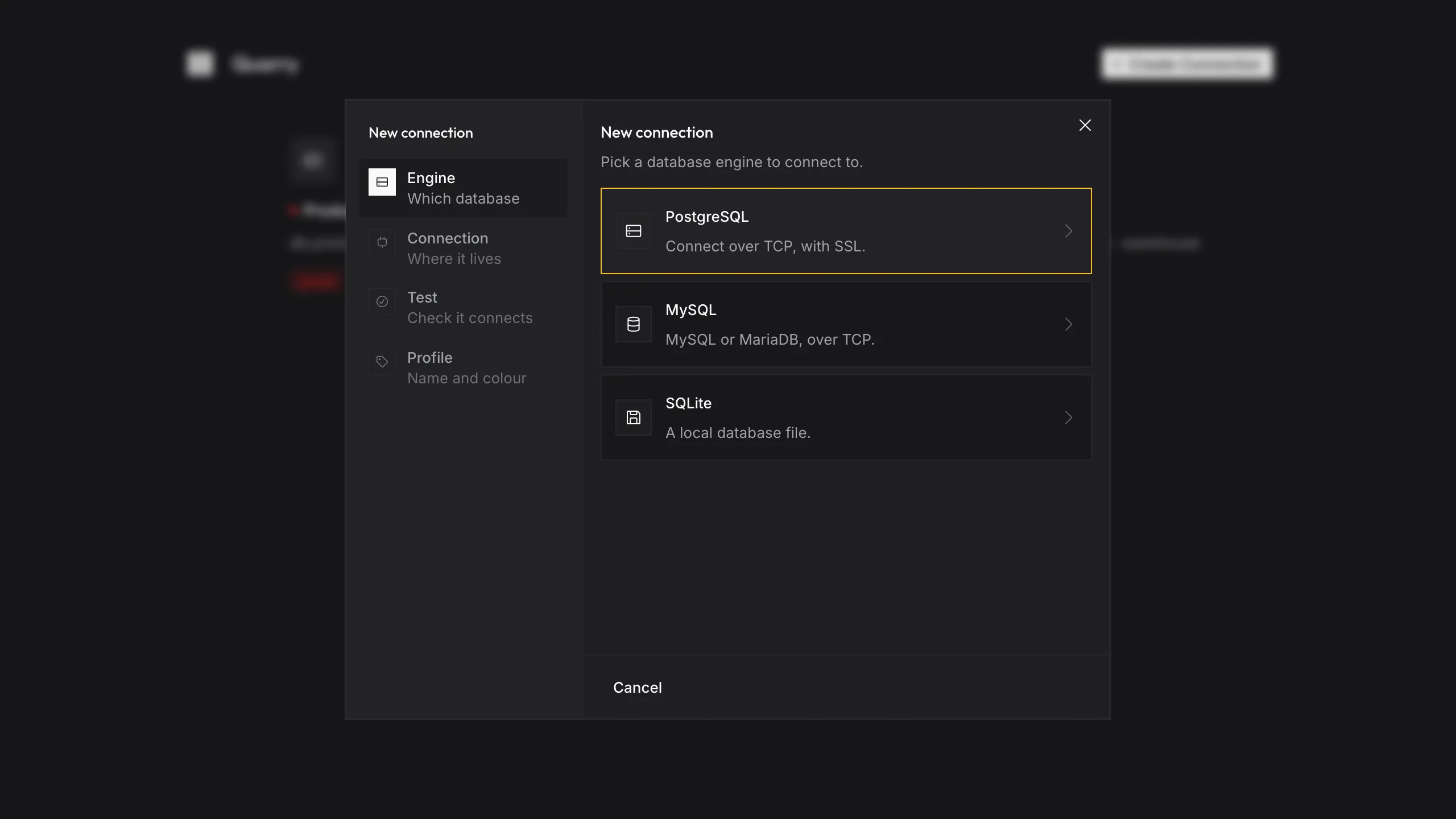
Pick the engine, then the rest
Postgres over TCP, MySQL or MariaDB, or a local SQLite file — three tiles, then host, test and a name.